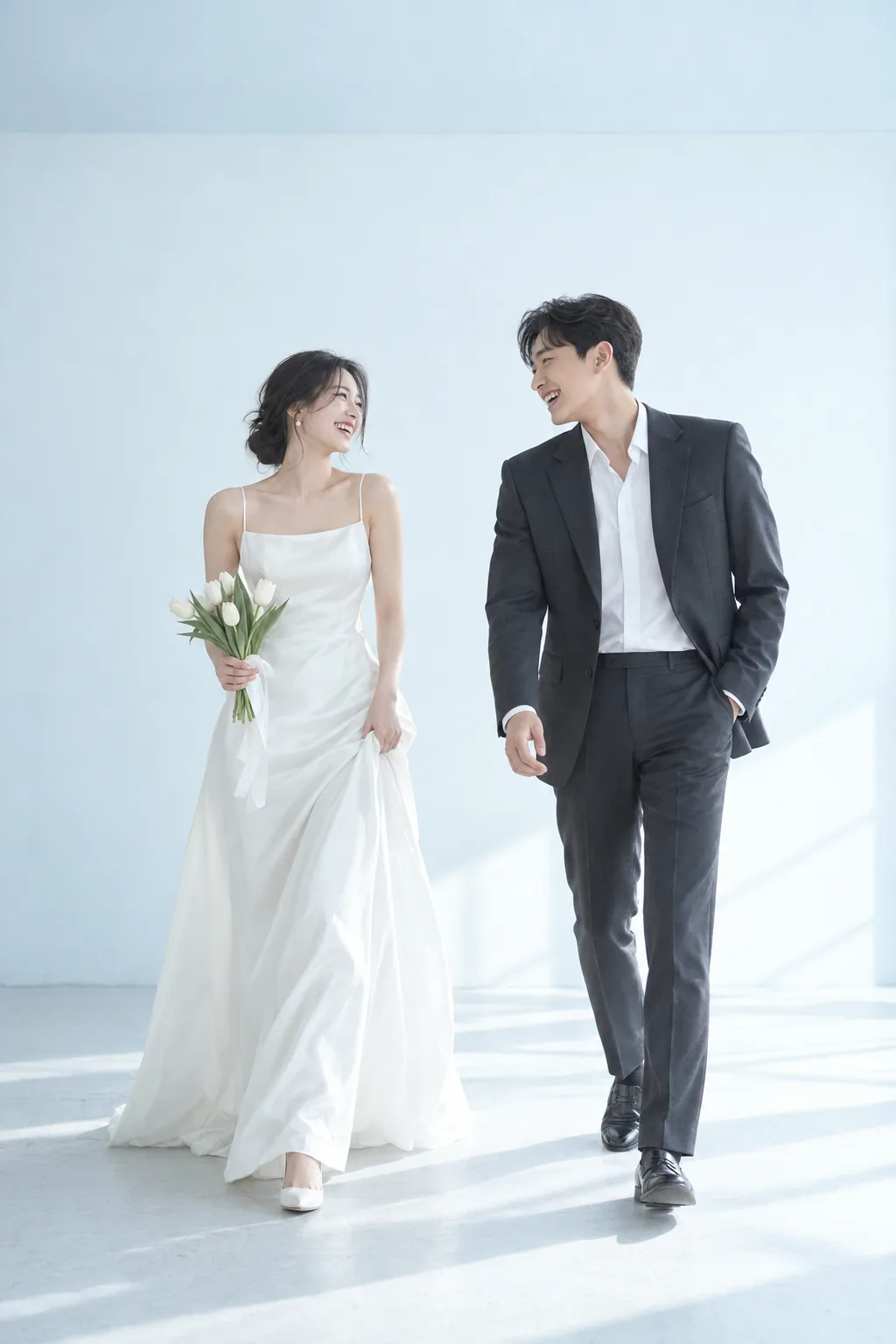
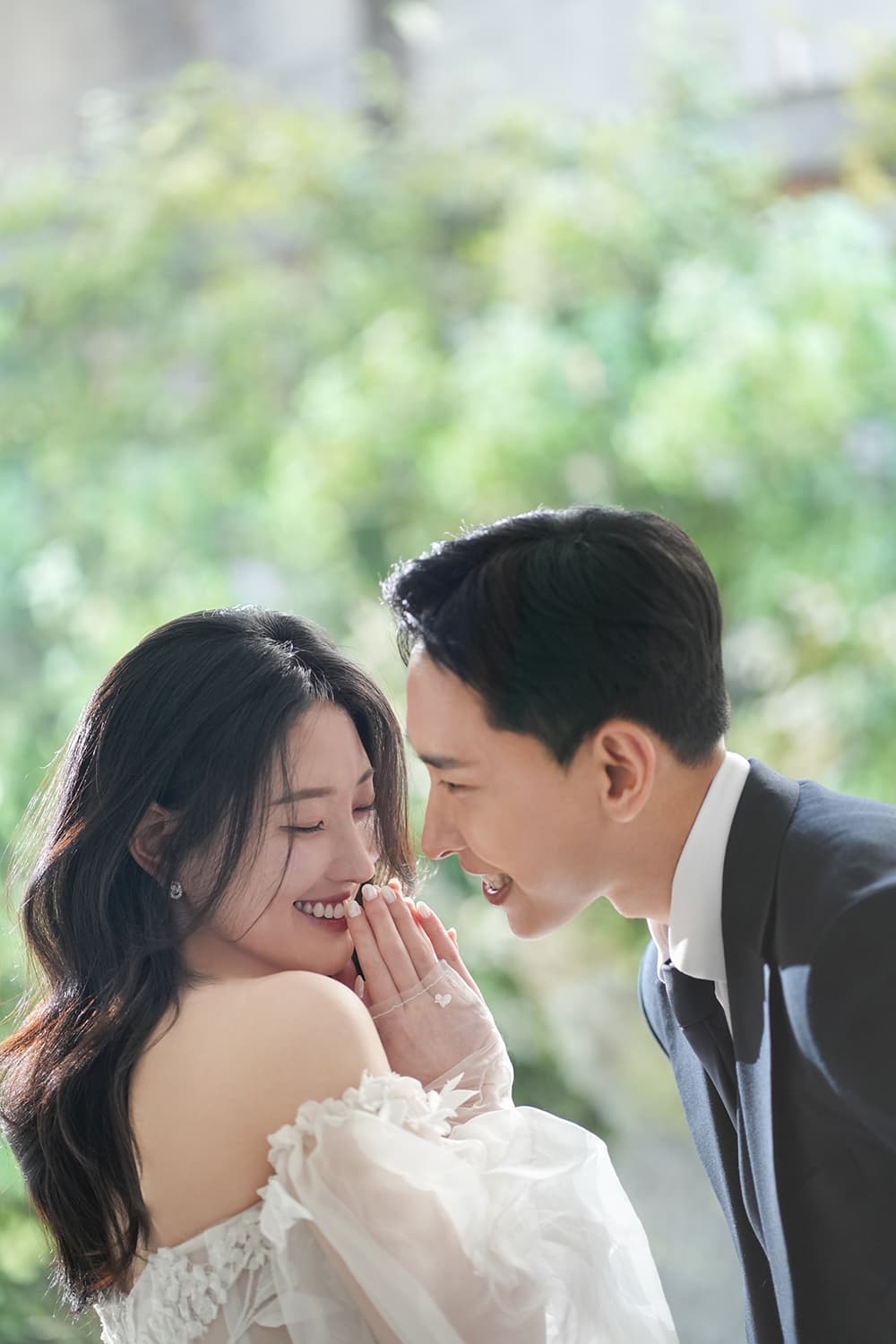
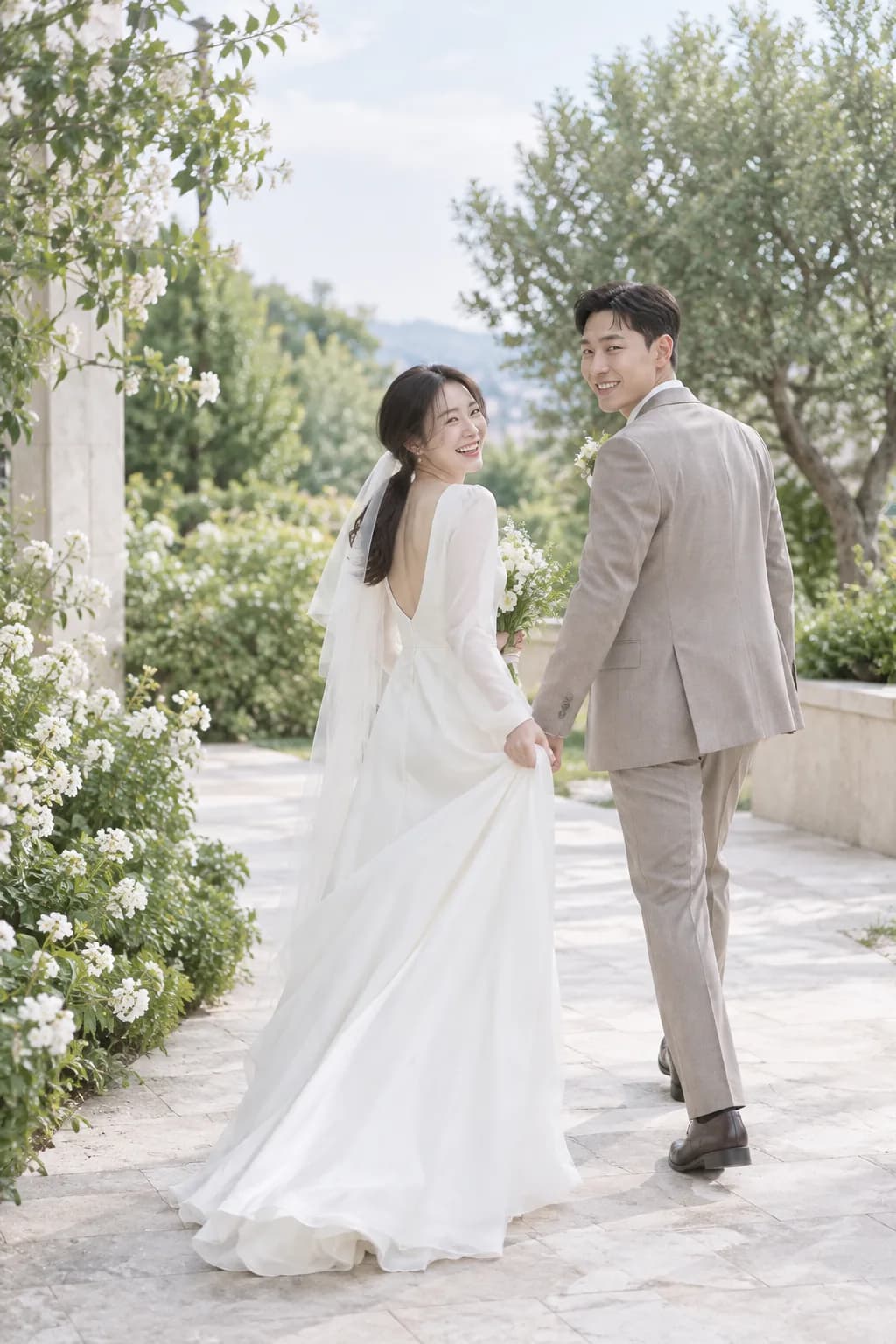
01YOUR STORY
A story that starts with a photo
Your favorite photos and your own words, brought together in an invitation worth keeping.
A little invitation. A big moment.
Your moment.
Beautifully invited.
Bring your photos, add your words, invite your favorite people.
From the first photo to the final link, it all comes together.
Start free · Sign in when you publish
MADE FOR YOUR MOMENTS
Spend less time on the little details and more time looking forward to the day. Your photos, your story, and everything your guests need.
THOUGHTFULLY SIMPLE
Your favorite photos and your own words, brought together in an invitation worth keeping.
The date, venue, map, and directions. Everything your guests need, in one place.
Prepare your invitation in Korean and English, and make everyone feel welcome.
Add your photos, words, date, and venue.
Preview your invitation and refine every detail.
Sign in with Google, publish, and share your link.
Yes. Create and preview without signing in, then publish for free with your Google account. Free invitations are ad-supported; an eligible coupon removes ads.
Yes. Update your invitation in the dashboard and publish again. Your existing public link stays the same.
Before sign-in, your draft is stored in this browser. When you export and sign in, your photos are uploaded and your invitation is saved.
Public access ends 30 days after the wedding or event date. See our terms for the full details.
GOOD THINGS START WITH AN INVITATION